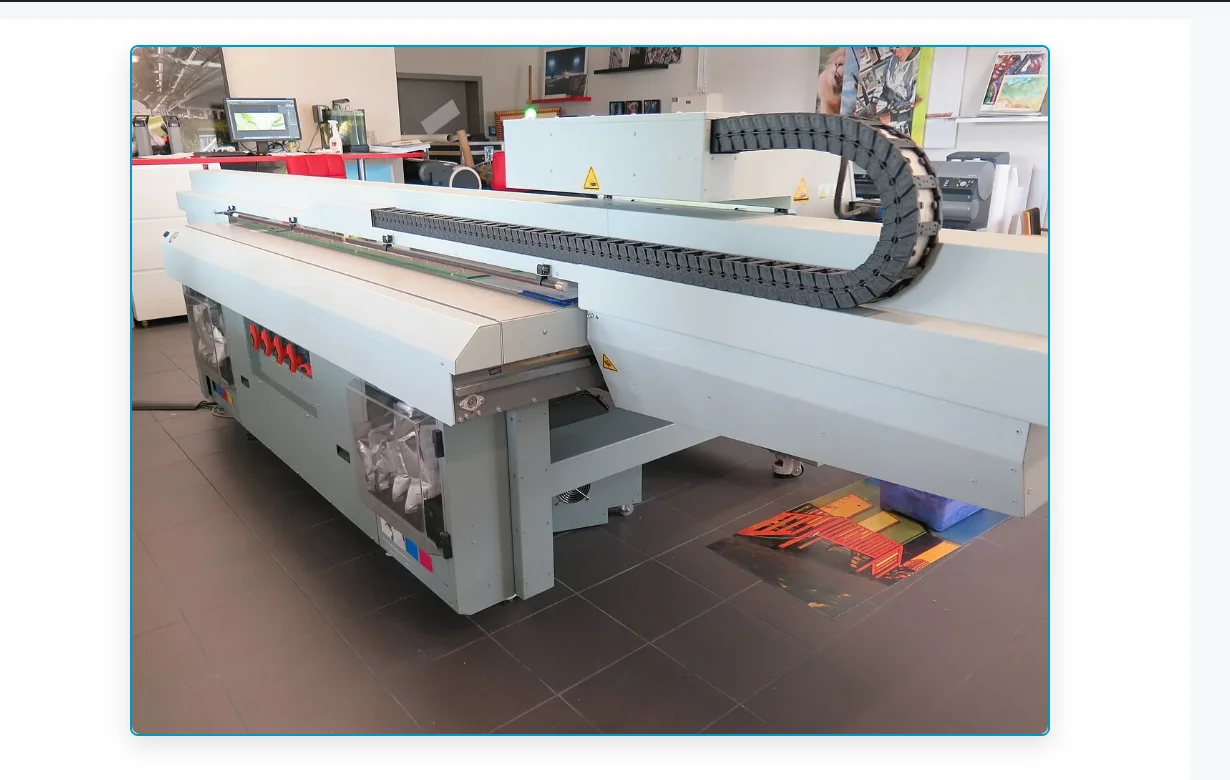
HP Latex printers — the 300 series, 500 series, 700 / 800 series, and the older 360 / 365 platforms still running in production — share a numeric error code system that’s consistent enough to be useful as a diagnostic shortcut. When a job stops mid-print and the front panel shows something like 21:10 or 86:01, the code tells you which subsystem reported the fault, not necessarily what failed. Knowing the family pattern lets you isolate the problem before pulling covers.
This reference is written for sign, wrap, and production print shops running HP Latex hardware in daily duty. It covers the code families we see most often when shops call our service network, what each one points to, and what’s usually worth checking before escalating. None of this replaces the HP service documentation — it’s a field shortcut for the moments when a deadline is tight and the manual is in another browser tab.
If your shop runs HP Latex equipment and an error has stopped a job, HP Latex printer repair is the service area to start from.
How HP Latex error codes are structured
HP Latex codes follow an XX:YY pattern. The first pair identifies the subsystem or major fault category. The second pair narrows the specific condition inside that subsystem. The same first pair can appear with different second pairs depending on which sensor, board, or motor triggered the alert — so two printers showing “21” errors may have related but not identical issues.
A few practical rules that hold across the platforms:
- The same code on a 365 and a 560 doesn’t always mean the same part. The subsystem family is consistent; the exact component varies by platform generation.
- Soft errors (recoverable after a power cycle) and hard errors (persistent across power cycles) behave differently. A code that clears on restart and never returns is usually a transient sensor read; a code that returns every time you reach the same point in a job is a real fault.
- Clearing a code without identifying the root cause almost always brings it back — often during the worst possible job.
The 21:xx family — service station and maintenance subsystem
The 21:xx codes point to the service station: the assembly under the carriage park position that handles printhead capping, wiping, and spit cleaning between passes. On HP Latex 300 / 500 series machines this is one of the highest-wear assemblies in the printer because it moves on every pass and contacts the printheads physically.
21:10 — service station mechanical or position fault. Most common cause is a stuck or worn service station, a debris jam in the wiper assembly, or a wiper motor that’s lost step count. Adjacent 21:xx variants generally point to the same subsystem with a different sensor or position trigger.
What’s usually worth checking first on a 21:xx:
- Visible debris in the service station — dried ink crust on the wipers, paper or vinyl fragments wedged into the cap rail, or a foreign object the carriage dragged in.
- Service station age vs. duty cycle — these assemblies have a finite life. A machine running production daily for 18+ months on the original service station is overdue regardless of what the page-count maintenance counter says.
- Cap top condition — cracked or compressed cap tops let the heads dry between passes, which then triggers cleaning routines that hammer the wiper and produce a 21:xx faster.
If your shop is replacing service stations, wipers, or caps, printheads and ink systems service is the relevant work area.
Capping system condition is the upstream variable on most service-station errors — see our reference on capping station maintenance for the related diagnostic on the Epson side.
The 79:xx family — firmware and system
The 79:xx codes are the catch-all for firmware faults and system-level errors the printer can’t classify into a more specific subsystem.
79:04 is the most common variant — typically resolved by a firmware update, but also appears when a firmware update was interrupted, a USB stick used for offline update was corrupted, or the printer lost network mid-update. Other 79:xx variants can indicate filesystem corruption on the printer’s internal storage, particularly on older 300-series machines.
The honest rule on 79:xx:
- If the printer is on outdated firmware, update it from the current HP-supplied package. Do not interrupt the update.
- If the printer is on current firmware and 79:04 is persistent, the issue is usually deeper — internal storage, control board, or a corrupted system partition — and is not a fix the operator can complete from the front panel.
- Cycling power repeatedly through a 79:xx does not help and can make the underlying storage problem worse.
The 86:xx family — carriage, scan-axis, and substrate path
The 86:xx codes report problems in the carriage scan axis or substrate handling — the printer detected that the carriage couldn’t move where it expected to, or the substrate is not where the sensors expect it.
86:01 is the headline variant: substrate jam, carriage obstruction, or carriage that physically cannot complete a scan. The cause ranges from an obvious vinyl wrinkle catching the carriage to a worn scan-axis motor encoder that’s losing position.
Field checks on 86:xx:
- Substrate path — wrinkles, lifted edges, edge-holder placement, take-up tension if you’re running roll-fed. A single lifted corner on a heavy banner stock will throw 86:01.
- Carriage rail condition — accumulated ink mist on the rail or in the encoder strip path causes the carriage to drag. A clean rail and encoder strip is part of normal weekly maintenance on production duty.
- Encoder strip damage — a scratched, torn, or oily encoder strip causes intermittent 86:xx errors that come and go with temperature and humidity. Encoder strips are consumable on heavily-used machines.
For sign and wrap shops where 86:xx events stop production frequently, this is usually a maintenance-discipline issue rather than a failed part — but if rail or encoder hardware is worn, no amount of cleaning fixes it. Shops on a wide-format printer maintenance plan generally see this code far less than shops running reactive-only service.
Board and cable codes — 08:xx and 11:xx
The 08:xx and 11:xx families point to electronics rather than mechanics.
08:04 typically reports a PCA / control board condition. This is rarely an operator-fixable code. Power cycling sometimes clears it transiently, but a returning 08:xx is a hardware-level issue.
11:11 typically reports a connection or cable fault — a trapezoid cable, carriage cable, or interconnect between major boards. On older units these cables fatigue from carriage motion over years of use; on newer units the issue is more often a connector that worked loose during a prior service.
The honest framing on 08:xx and 11:xx:
- These codes are diagnostic markers, not action items for the operator.
- If your machine is showing a persistent 08:xx or 11:xx, the next step is a service call. Continuing to print on a board-level fault risks broader damage.
Codes that look alarming but usually aren’t
A short list of codes that look bad but are often benign or quickly resolved:
- Codes that appear once during a power-on self-test and don’t return — usually a sensor read at boot that resolved itself. Not worth chasing.
- Codes that appear only when a specific substrate is loaded — usually a substrate preset issue (drying temperature, vacuum level), not a hardware fault.
- Codes that clear after a printhead alignment or color calibration — usually the printer’s diagnostic system reconciling itself after a maintenance event.
The codes worth taking seriously are the ones that return on the same job at the same point, or that persist through a clean power cycle.
Why error codes alone are not a diagnosis
Two things to keep in mind when treating an error code as a complete answer:
- The code reports the symptom, not the cause. A 21:10 says the service station reported a fault. It doesn’t say whether the cause was a worn wiper, a dried cap, a debris jam, a failed motor, or a sensor that lost calibration. All five produce 21:10. The diagnostic work is identifying which one.
- The code can be a downstream effect. Service-station errors after a printhead replacement, for instance, often trace back to the printhead replacement procedure itself — a cap top that wasn’t seated, a service-station calibration that wasn’t run, or a maintenance reset that wasn’t triggered. The error code points at the service station, but the root cause is elsewhere.
This is why most production shops eventually move from “google the code and try things” to a more disciplined service approach — the time lost to chasing codes that point in the wrong direction usually exceeds the cost of getting a proper diagnostic done. For shops running HP Latex hardware in daily duty, sign shop printer repair covers that workflow.
When to call for service
A practical threshold for sign and wrap shops:
- One occurrence of any error, clears on cycle, never returns — log it and continue. Not worth a call.
- Recurring 21:xx, 86:xx, or 79:xx — investigate. Most have field remedies, but the diagnostic time can exceed what’s economical to spend on the shop floor.
- Any 08:xx or 11:xx that returns after a power cycle — call for service. These are not codes to keep printing through.
- A code that appeared after a recent service, parts swap, or firmware update — call back the source of that work first. New codes immediately after a service event almost always relate to the work that was just done.
For shops in the Tampa Bay region, Tampa wide-format printer repair is the regional service entry point; the same team covers the Lakeland and Orlando metro areas. Our service network typically replies within 1 hour during business hours.
If a job is stopped right now and the code is one of the families above, submit a service request and include the exact code (with both number pairs), the model, the firmware version, and what the printer was doing when the code appeared. That information shortens the diagnostic phase substantially.
For situations where the error pattern points specifically at the printhead itself, our framework for printhead replacement decisions covers the recovery-versus-replace call.