HP Latex
Aftermarket latex ink cartridges for HP Latex printers, sold per color with the optimizer channel included in each line. These are aftermarket products designed to work with the printer models identified on each product page; they are not manufactured by or affiliated with the printer’s manufacturer.
The 831 line comes in 775ml cartridges and fits the HP Latex 310, 315, 330, 335, 360, 365, and 560. The 871 line comes in 3-liter cartridges for the HP Latex 375 and 570; HP Latex 360/370 printers with a 3-liter upgrade kit require written compatibility verification before ordering. Both lines cover black, cyan, magenta, yellow, light cyan, and light magenta, plus the latex optimizer that these printers consume alongside color ink — a channel worth stocking on the same reorder cycle.
Water-based latex ink runs the core of modern sign and graphics production: banners, vehicle wraps, wall coverings, adhesive vinyl, soft signage, and indoor display work. Each product page lists the cross-referenced part number for that color so you can match what your printer currently runs. Secure card checkout is available at the listed price. Select a color below for pricing and compatibility.
Showing all 14 results
-
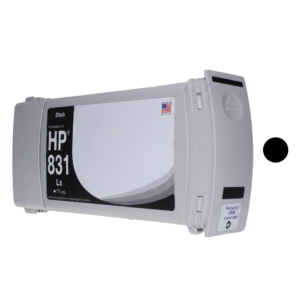
HP Latex 831 Black 775ml Compatible Ink Cartridge (CZ682A)
$132.00 Add to cart -
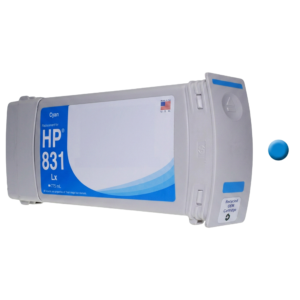
HP Latex 831 Cyan 775ml Compatible Ink Cartridge (CZ683A)
$132.00 Add to cart -
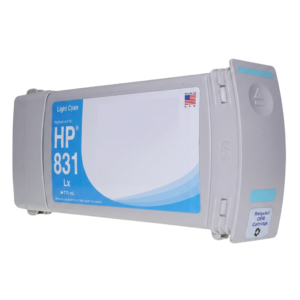
HP Latex 831 Light Cyan 775ml Compatible Ink Cartridge (CZ686A)
$132.00 Add to cart -
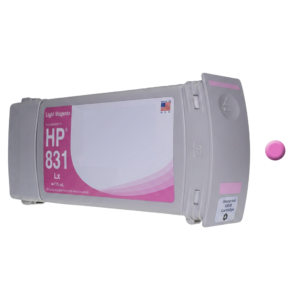
HP Latex 831 Light Magenta 775ml Compatible Ink Cartridge (CZ687A)
$132.00 Add to cart -
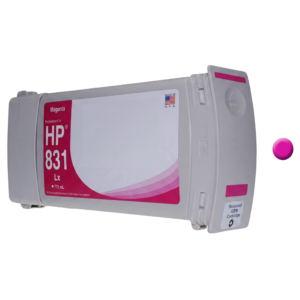
HP Latex 831 Magenta 775ml Compatible Ink Cartridge (CZ684A)
$132.00 Add to cart -
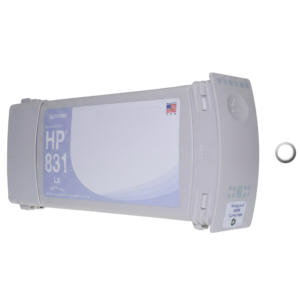
HP Latex 831 Optimizer 775ml Compatible Cartridge (CZ706A)
$133.66 Add to cart -
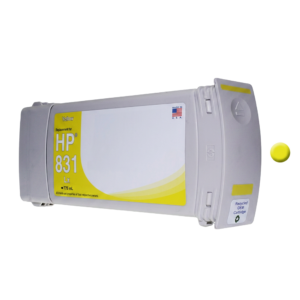
HP Latex 831 Yellow 775ml Compatible Ink Cartridge (CZ685A)
$132.00 Add to cart -
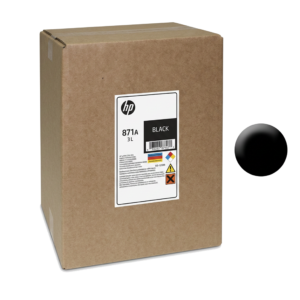
HP Latex 871 Black 3L Compatible Ink for HP Latex 375 / 570
$349.00 Add to cart -
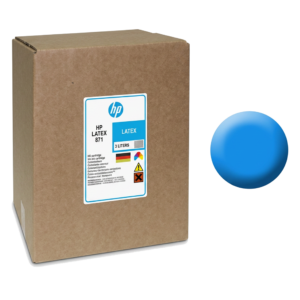
HP Latex 871 Cyan 3L Compatible Ink for HP Latex 375 / 570
$349.00 Add to cart -
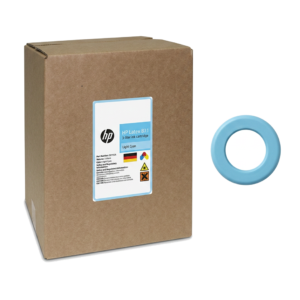
HP Latex 871 Light Cyan 3L Compatible Ink for HP Latex 375 / 570
$349.00 Add to cart -
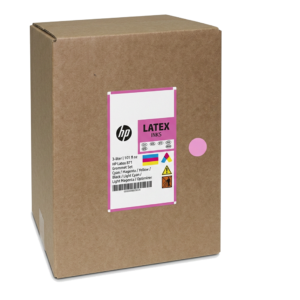
HP Latex 871 Light Magenta 3L Compatible Ink for HP Latex 375 / 570
$349.00 Add to cart -
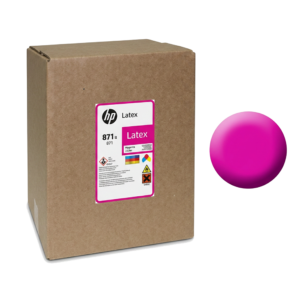
HP Latex 871 Magenta 3L Compatible Ink for HP Latex 375 / 570
$349.00 Add to cart -
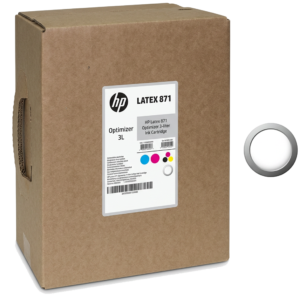
HP Latex 871 Optimizer 3L Compatible Cartridge for HP Latex 375 / 570
$349.00 Add to cart -
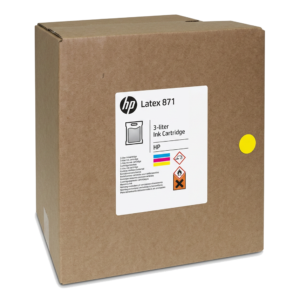
HP Latex 871 Yellow 3L Compatible Ink for HP Latex 375 / 570
$349.00 Add to cart
831 or 871: which line your printer takes
This is the single question worth getting right before ordering, because the two lines are not interchangeable:
- 831-compatible ink is supplied in 775ml cartridges for the HP Latex 310, 315, 330, 335, 360, 365 and 560.
- 871-compatible ink is supplied in 3-litre cartridges for the HP Latex 375 and 570.
- HP Latex 360 and 370 machines fitted with a 3-litre upgrade kit are the genuine edge case. Those configurations require written compatibility verification from us before ordering - we will not guess, and you should not either.
If you are weighing the differences across the Latex ink families, our 831 vs 871 vs 873 compatibility guide sets them side by side.
Do not forget the optimizer
Latex printers consume an optimizer alongside colour ink, and it is the channel shops most often forget to reorder. It is not an optional extra: the optimizer is laid down ahead of the colour ink and controls dot gain and image sharpness on the substrate. Run low and print quality degrades in ways that look like a colour or head problem but are not.
Put the optimizer on the same reorder cycle as your colours. Stopping because you ran out of a clear fluid you forgot existed is a frustrating way to lose a day.
What latex ink is actually good at
Water-based latex output cures on the machine, which is why it suits work that is handled, laminated or installed immediately - and why it is the common choice for interior applications where solvent odour would be a problem. The core applications are banners, vehicle wraps, wall coverings, adhesive vinyl, soft signage and indoor display graphics.
Two practical points that matter more than the marketing usually admits. Latex printers apply real heat to cure, so thin or heat-sensitive media needs testing before you commit a client job to it. And because curing happens in the machine, throughput is tied to cure settings - pushing speed at the expense of cure is a decision that shows up later as scratching or poor adhesion, usually after the job has shipped.
Switching from OEM cartridges
- Re-profile after switching. Any ink change moves colour. Build profiles on the media you actually sell, not on a generic preset.
- Change at a natural break in the schedule, not mid-run on a colour-critical job.
- Check your warranty or service contract first if the machine is covered by one.
- Keep a known reference cartridge so you can isolate ink from everything else if output changes.
Storage and handling
Store cartridges upright in their packaging, out of direct sunlight, at normal indoor room temperature. Latex ink is water-based and should not be allowed to freeze; if a delivery has been somewhere cold, let it reach room temperature before loading. Rotate stock so the oldest cartridge is used first.
If output changes after a switch
Tell us, and tell us early. Most post-switch complaints resolve to profiling rather than the ink, and a profile is fixable in an afternoon. If it is genuinely the ink, we would far rather know than have you quietly stop ordering. Our HP Latex error codes diagnostic reference covers the system errors that point at hardware instead, and we provide independent HP Latex printer repair across Florida.
About these aftermarket inks
Every ink in this catalogue is an aftermarket consumable. It is not manufactured by, affiliated with, endorsed by or authorised by the printer's manufacturer. Manufacturer names, model numbers and cartridge part numbers appear here for one reason only: to identify which machines a product is designed to work with.
We say that plainly because the alternative causes real problems. A shop that believes it is buying an OEM product and then has a warranty conversation with its manufacturer is a shop we have failed. If your printer is under a manufacturer warranty or a third-party service contract, check the terms before switching consumables - some agreements restrict which inks you may run.
What we will tell you is what a product is compatible with, in writing, before you order. If your exact configuration is not listed, ask us rather than guessing.
When the ink is not the problem
A large share of the "bad ink" calls we take turn out to be mechanical or maintenance faults that no ink can fix. Before changing consumables to chase a print-quality problem, rule out the usual causes:
- Banding that repeats at a fixed interval is usually a feed, encoder or head-height issue rather than an ink issue.
- Dropouts and missing nozzles after a machine has stood idle point at the capping and wiper system.
- Colour drift across a roll is often a profiling or environment problem - temperature and humidity move colour more than most operators expect.
- Repeat clogging in one channel is a damper, line or head symptom, and swapping ink brands will not resolve it.
Our diagnostic references cover these in detail: the eco-solvent banding troubleshooting guide, the capping station maintenance guide, and the printhead replacement decisions guide, which covers when a head is genuinely worth replacing and when it is not.
If you would rather have someone look at it, we provide independent on-site wide-format printer repair across Florida. Our service network typically replies within 1 hour during business hours.