Roland
Aftermarket eco-solvent ink for Roland TrueVIS printer/cutters, supplied in 500ml pouches and sold per color. These are aftermarket products designed to work with the Roland models identified on each product page; they are not manufactured by or affiliated with the printer’s manufacturer.
The TR2 compatible line covers the TrueVIS SG and VG series print-and-cut machines that anchor most vinyl and wrap shops. Nine colors are stocked: black, cyan, magenta, yellow, light cyan, light magenta, and light black, plus orange and green for shops running extended-gamut configurations that need tighter brand-color matches. A cleaning solution pouch rounds out the line for maintenance cycles and long-storage prep.
Eco-solvent print-and-cut is the backbone of vehicle graphics, decals, labels, window graphics, floor graphics, and heat-transfer work, and TR2-class ink is the consumable those machines burn through fastest. Each product page states compatibility and the cross-referenced pouch designation for that color. Pouches ship free within the United States, typically within 2-3 business days. Select a color below to see current pricing.
Showing all 10 results
-
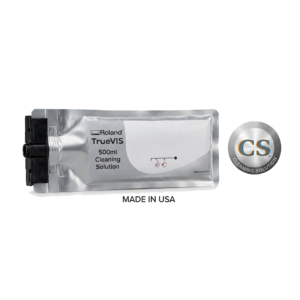
Roland TrueVIS TR2 Cleaning Solution — 500ml Aftermarket | SG/VG
$70.82 Add to cart -
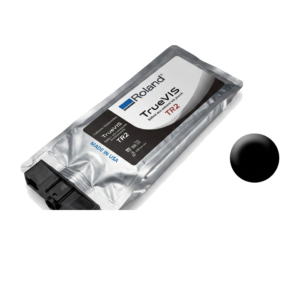
Roland TrueVIS TR2 Ink — Black 500ml Aftermarket | SG/VG
$97.79 Add to cart -
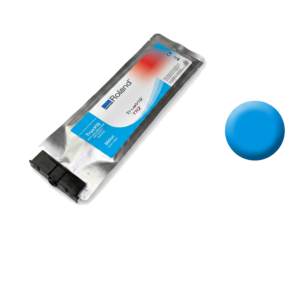
Roland TrueVIS TR2 Ink — Cyan 500ml Aftermarket | SG/VG
$97.79 Add to cart -
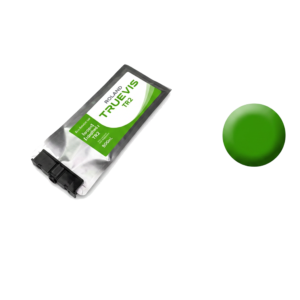
Roland TrueVIS TR2 Ink — Green 500ml Aftermarket | SG/VG
$97.79 Add to cart -
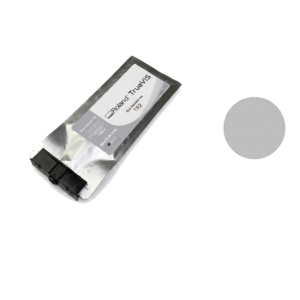
Roland TrueVIS TR2 Ink — Light Black 500ml Aftermarket | SG/VG
$97.79 Add to cart -
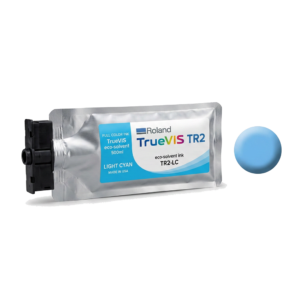
Roland TrueVIS TR2 Ink — Light Cyan 500ml Aftermarket | SG/VG
$97.79 Add to cart -
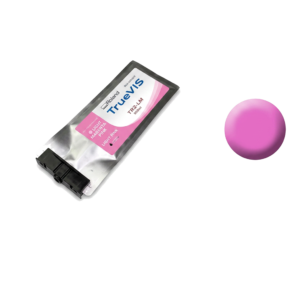
Roland TrueVIS TR2 Ink — Light Magenta 500ml Aftermarket | SG/VG
$97.79 Add to cart -
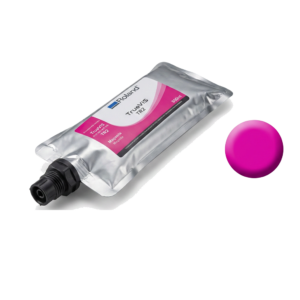
Roland TrueVIS TR2 Ink — Magenta 500ml Aftermarket | SG/VG
$97.79 Add to cart -
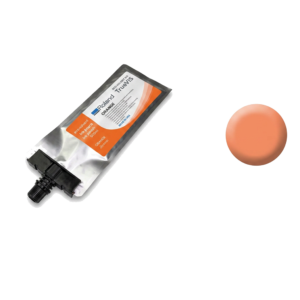
Roland TrueVIS TR2 Ink — Orange 500ml Aftermarket | SG/VG
$97.79 Add to cart -
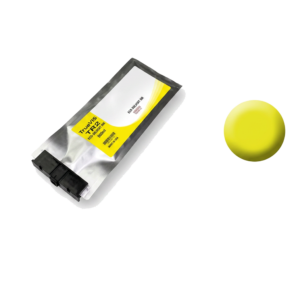
Roland TrueVIS TR2 Ink — Yellow 500ml Aftermarket | SG/VG
$97.79 Add to cart
Which Roland machines run TR2-compatible ink
The TR2 pouches listed above are designed for Roland TrueVIS print-and-cut machines - the VG3, SG3, VG2 and SG2 series. These are the integrated printer/cutters at the centre of most vinyl, decal and vehicle-graphics shops, and ink is the consumable they get through fastest.
Roland has used several ink designations across the TrueVIS line, and they are not interchangeable. Before ordering, check the designation printed on the pouch currently in your machine rather than working from the printer model alone - shops that have bought a used machine frequently find it is not the generation they assumed. If you are not certain, our TR2 compatibility guide by TrueVIS model works through it, and we will confirm in writing before you buy.
The colour set, and why there are nine
The line covers the standard process colours - black, cyan, magenta and yellow - plus light cyan, light magenta and light black. The light channels are what give eco-solvent output its smooth gradients and believable skin tones; without them, transitions band and portraits go blotchy.
Orange and green exist for shops running extended-gamut configurations. They are not decorative. If your work involves corporate brand colours sitting outside the standard CMYK gamut - and a great many logos do - those two channels are the difference between a match your client signs off and one they argue about. If you are not running extended gamut, you do not need them.
Cleaning solution is listed alongside the colours because it belongs in the same order. It is used for maintenance cycles, flushing lines, and preparing a machine that is about to stand idle. A shop that orders ink but never orders cleaning solution is usually a shop about to have a printhead conversation.
Switching from OEM pouches: what actually changes
- Colour will shift slightly. Any ink change moves colour. If you run to tight brand standards, re-profile after the switch rather than assuming existing ICC profiles transfer. Build the new profile on the media you actually sell.
- Do not mix ink families mid-roll on a critical job. Finish the job, then change.
- Change one channel at a time where your workflow allows, so if something looks wrong you know which channel caused it.
- Keep one OEM pouch on the shelf. If you ever need to demonstrate a fault is not ink-related, a known reference is worth the space.
Storage and handling
Store pouches upright, in their packaging, out of direct sunlight, at normal indoor room temperature. Eco-solvent ink does not enjoy a hot van in a Florida summer, and neither does a shop that leaves a delivery sitting in one. Let ink that has been somewhere cold return to room temperature before loading. Rotate stock so the oldest pouch goes in first.
How much to keep on the shelf
Most print-and-cut shops we work with hold at least one spare of every colour they run, and two of black, which depletes fastest on most job mixes. The reason is not ink cost - it is that a print-and-cut machine with one empty channel produces nothing at all, and a rush job does not care which colour ran out.
About these aftermarket inks
Every ink in this catalogue is an aftermarket consumable. It is not manufactured by, affiliated with, endorsed by or authorised by the printer's manufacturer. Manufacturer names, model numbers and cartridge part numbers appear here for one reason only: to identify which machines a product is designed to work with.
We say that plainly because the alternative causes real problems. A shop that believes it is buying an OEM product and then has a warranty conversation with its manufacturer is a shop we have failed. If your printer is under a manufacturer warranty or a third-party service contract, check the terms before switching consumables - some agreements restrict which inks you may run.
What we will tell you is what a product is compatible with, in writing, before you order. If your exact configuration is not listed, ask us rather than guessing.
When the ink is not the problem
A large share of the "bad ink" calls we take turn out to be mechanical or maintenance faults that no ink can fix. Before changing consumables to chase a print-quality problem, rule out the usual causes:
- Banding that repeats at a fixed interval is usually a feed, encoder or head-height issue rather than an ink issue.
- Dropouts and missing nozzles after a machine has stood idle point at the capping and wiper system.
- Colour drift across a roll is often a profiling or environment problem - temperature and humidity move colour more than most operators expect.
- Repeat clogging in one channel is a damper, line or head symptom, and swapping ink brands will not resolve it.
Our diagnostic references cover these in detail: the eco-solvent banding troubleshooting guide, the capping station maintenance guide, and the printhead replacement decisions guide, which covers when a head is genuinely worth replacing and when it is not.
If you would rather have someone look at it, we provide independent on-site wide-format printer repair across Florida. Our service network typically replies within 1 hour during business hours.