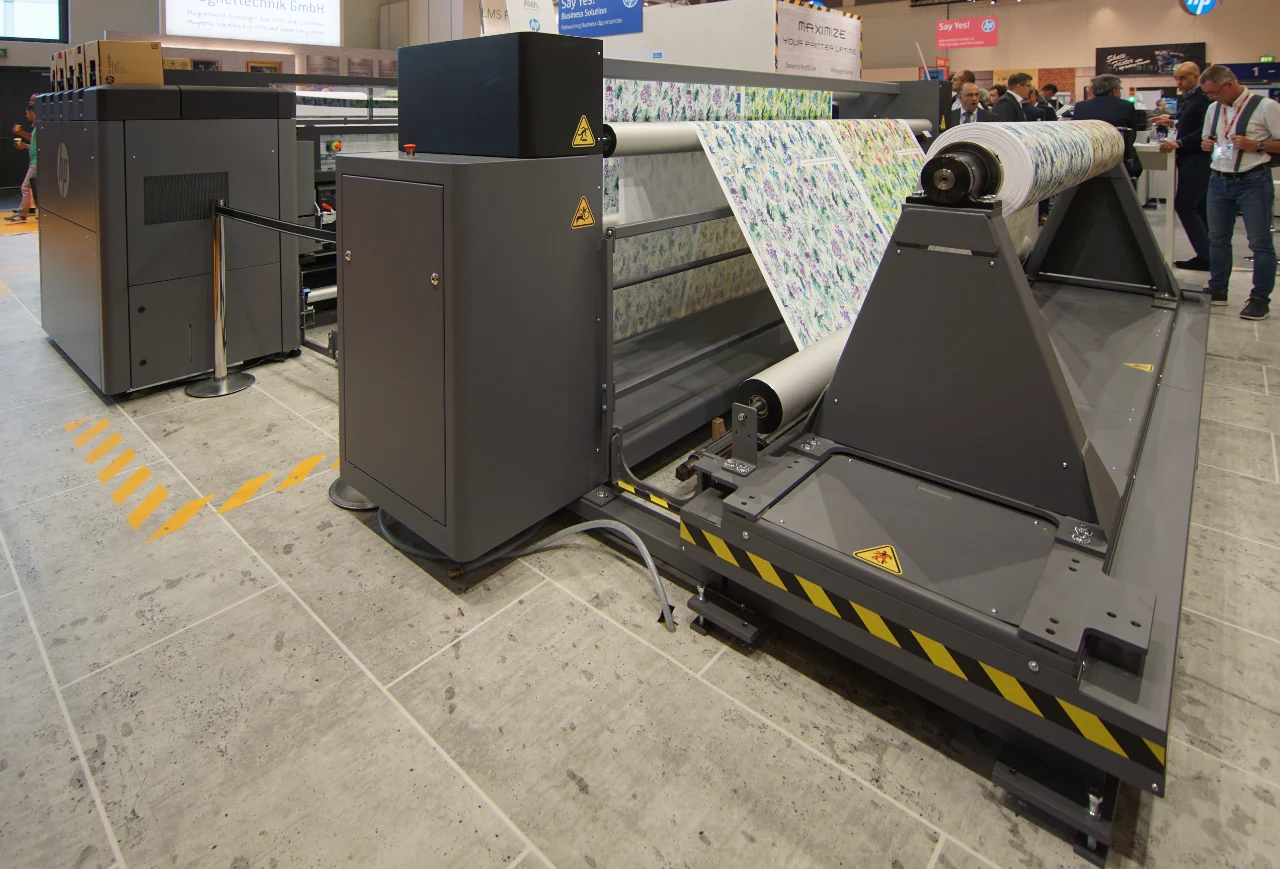
Shop HP 831 aftermarket latex ink online
Purchase compatible replacement HP 831 ink directly from our online store. Choose the color or optimizer you need, review the current price on the product page, add the cartridge to your cart, and complete checkout online.
Our live HP 831 product range includes Black, Cyan, Magenta, Yellow, Light Cyan, Light Magenta, and Latex Optimizer in 775ml cartridges.
Compatibility notice: These are compatible aftermarket products and are not manufactured by or affiliated with HP. HP names and part numbers are used only as cross-reference identifiers. Confirm your exact printer model, current ink configuration, firmware, and ink history before ordering.
HP 831 ink at a glance
| Specification | Details |
|---|---|
| Ink family | Compatible replacement HP 831 latex ink |
| Cartridge size | 775ml |
| Available channels | Black, Cyan, Magenta, Yellow, Light Cyan, Light Magenta, and Latex Optimizer |
| Purchase method | Live online pricing, add to cart, and checkout |
| Standard configurations covered | HP Latex 360, 365, 560, and standard non-upgraded 370 configurations |
| Product type | Aftermarket compatible replacement ink |
| Compatibility | Depends on printer model and configuration; verify before ordering |
| OEM status | Not OEM unless a specific product listing expressly states otherwise |
Shop HP 831 cartridges by color
Select the exact color or optimizer required by your printer. Each product page displays the current price, cross-reference part number, product details, quantity selector, and add-to-cart option.
| Color or function | HP reference number | Size | Purchase |
|---|---|---|---|
| Black | CZ682A | 775ml | BUY HP 831 BLACK → |
| Cyan | CZ683A | 775ml | BUY HP 831 CYAN → |
| Magenta | CZ684A | 775ml | BUY HP 831 MAGENTA → |
| Yellow | CZ685A | 775ml | BUY HP 831 YELLOW → |
| Light Cyan | CZ686A | 775ml | BUY HP 831 LIGHT CYAN → |
| Light Magenta | CZ687A | 775ml | BUY HP 831 LIGHT MAGENTA → |
| Latex Optimizer | CZ706A | 775ml | BUY HP 831 OPTIMIZER → |
HP reference numbers are shown only to help buyers identify the correct cartridge position. They do not mean that the products sold here are manufactured, authorized, certified, or approved by HP.
Which printers use HP 831 ink?
HP 831 is a 775ml cartridge family used in supported standard HP Latex printer configurations.
The primary configurations covered by the HP 831 products and guidance on this page are:
- HP Latex 360
- HP Latex 365
- HP Latex 560
- HP Latex 370 in its standard, non-upgraded 775ml configuration
An HP Latex 360 or 370 may have an HP 3-liter upgrade kit installed. The installed configuration changes the ink-supply arrangement, so do not order for a Latex 360 or 370 based only on the model name.
Check the cartridge currently installed, review its reference number, and confirm whether the printer has been modified or upgraded before purchasing.
Using an HP Latex 360 or 365? Review our HP Latex 360/365 ink compatibility guide before ordering.
Important HP Latex 370 distinction
A standard, non-upgraded HP Latex 370 uses the 775ml HP 831-family arrangement covered on this page. Some Latex 370 printers, however, may have an HP 3-liter upgrade kit installed.
When that upgrade is present, verify:
- Whether the 3-liter upgrade kit is installed
- The cartridge or ink box currently connected to the printer
- The reference number currently in use
- The printer firmware and chip requirements
- Whether the proposed aftermarket product is supported for that exact configuration
If these details are uncertain, contact us before placing an order.
HP 831 versus HP 871
HP 831 and HP 871 are different cartridge formats and should not be treated as interchangeable products.
- HP 831: 775ml cartridge family used in supported standard HP Latex configurations.
- HP 871: 3-liter cartridge family used in supported high-volume configurations such as the HP Latex 375 and HP Latex 570.
- Upgraded HP Latex 360 or 370 systems: require additional verification because an installed 3-liter upgrade kit changes how ink is supplied.
The safest way to avoid a wrong order is to match all three:
- Printer model
- Installed configuration
- Cartridge reference number currently in use
VIEW THE HP 831 VS HP 871 VS HP 873 COMPATIBILITY GUIDE →
How to order HP 831 ink online
1. Select the required color
Choose Black, Cyan, Magenta, Yellow, Light Cyan, Light Magenta, or Latex Optimizer from the live product links above.
2. Verify your printer and cartridge
Compare the product page with:
- Your exact printer model
- The reference number on the cartridge currently installed
- Your printer’s ink configuration
- Any hardware or ink-system upgrades
- Your current OEM or aftermarket ink history
3. Add the product to your cart
Select the required quantity and use the Add to Cart button on the product page.
4. Complete checkout
Review the order, shipping details, current product information, and compatibility before placing the order.
For bulk quantities, recurring commercial supply, or special-order requirements, contact our service network before checkout so availability and order requirements can be confirmed.
Before switching to aftermarket HP 831 ink
Changing ink suppliers can affect printer operation and output depending on the machine, firmware, media profiles, maintenance condition, and existing ink history.
Before switching:
- Confirm the cartridge is intended for your exact printer and configuration.
- Review any printer, service-contract, media-warranty, or manufacturer-warranty implications.
- Do not assume an aftermarket cartridge carries the same certifications or warranty eligibility as an original manufacturer cartridge.
- Follow the product supplier’s transition and installation instructions.
- Consider testing color-critical production before changing an entire workflow.
- Do not mix products or chemistries unless the supplier has confirmed the transition procedure.
We do not guarantee universal compatibility based only on an HP family name or reference number.
Need help before purchasing?
Have the following information ready:
- Printer model
- Printer serial number, when available
- Current cartridge reference number
- Color required
- Quantity required
- Whether the printer has an ink-system upgrade
- Whether it currently runs OEM or aftermarket ink
Call (620) 407-8544 or email contact@largeformatprintersflorida.com before placing the order when compatibility is uncertain.
Related HP Latex ink resources
- Shop all compatible HP Latex ink
- HP 831 vs HP 871 vs HP 873 compatibility guide
- HP 871 compatible 3-liter ink
- HP 873 and HP Latex 830 ink information
- Browse all wide-format ink and supplies
HP 831 ink frequently asked questions
Can I purchase HP 831 ink directly from this website?
Yes. The listed HP 831 colors and Latex Optimizer are live ecommerce products. Open the required product page, review the current information and price, choose the quantity, add it to your cart, and complete checkout online.
Is this original HP OEM ink?
No, unless an individual product page expressly states otherwise. The HP 831 products sold through this section are compatible aftermarket replacement cartridges and are not manufactured by or affiliated with HP.
Which HP Latex printers use HP 831 cartridges?
HP 831 is used in supported 775ml HP Latex configurations, including the HP Latex 360, 365, 560, and a standard non-upgraded HP Latex 370. A Latex 360 or 370 requires configuration verification because some units may have a 3-liter upgrade kit installed.
What is the difference between HP 831 and HP 871?
HP 831 uses 775ml cartridges. HP 871 uses 3-liter cartridges in supported high-volume systems such as the HP Latex 375 and 570. They are different cartridge formats and should not be ordered interchangeably without confirming the exact printer configuration.
Are CZ682A through CZ687A and CZ706A OEM part numbers?
They are HP reference numbers used to identify the corresponding cartridge color or function. Their appearance on this page does not mean the aftermarket products are manufactured, authorized, certified, or approved by HP.
Can I mix aftermarket HP 831 ink with the ink already in my printer?
Do not assume that different ink products can be mixed safely. Compatibility depends on the current ink, printer configuration, firmware, and supplier instructions. Confirm the correct transition procedure before changing ink systems.
What should I do if I am unsure which cartridge to buy?
Do not complete checkout until compatibility is confirmed. Call (620) 407-8544 or email contact@largeformatprintersflorida.com with your printer model, current cartridge number, required color, and information about any installed upgrade kit.
Related Ink Families
Compare other wide-format ink families and verify your exact printer configuration before ordering.
- All aftermarket wide-format printer ink
- HP 871 compatible 3-liter Latex ink
- HP 873 ink for HP Latex 800 / 800W / 830 / 830W configurations
- Roland TrueVIS TR2 compatible ink
- Browse all wide-format printer ink and supplies →
Related services and guides
- HP Latex ink compatibility: 831 vs 871 vs 873 — Confirm which Latex ink family your printer uses.